> ## Documentation Index
> Fetch the complete documentation index at: https://docs.runtm.com/llms.txt
> Use this file to discover all available pages before exploring further.
# Instructions
> Understand the nine instruction layers written into every session, which layer wins, and where to put agent role, org policy, template facts and personal preferences. Read before `runtm-api agents update --instructions`, `runtm-api instructions set` or `runtm-api template context set`.
## Outcome
Each rule your agent follows lives in the layer that matches who owns it, so an org policy is set once, an agent's role is set on the agent, and nobody copies the same paragraph into five places. You can predict what a session reads and in what order.
## Decide
Instructions are composed from nine layers at every session start. Deciding which layer a rule belongs to is most of the work.
**Who owns this rule?**
* Bad: paste "Never include full card numbers in output" into the agent's system instructions, the template context and your personal instructions.
* Good: put it once in **Organization** instructions. Every agent in the org inherits it.
**Is this about the agent, the environment, or the person?**
* Agent persona: role, boundaries, tone. "You investigate payment issues. You draft replies; you never send them."
* Template: facts about the environment. "The ledger lives in the `payments` schema. Use `make test` before proposing a change."
* User: personal working style. "Answer in bullet points. Prefer SQL over ORM examples."
* Bad: "The agent should be terse" in the template context, where it applies to every agent and every user of that template.
* Good: terse in the agent's system instructions if it is the agent's style, or in your user instructions if it is your preference.
## The nine layers
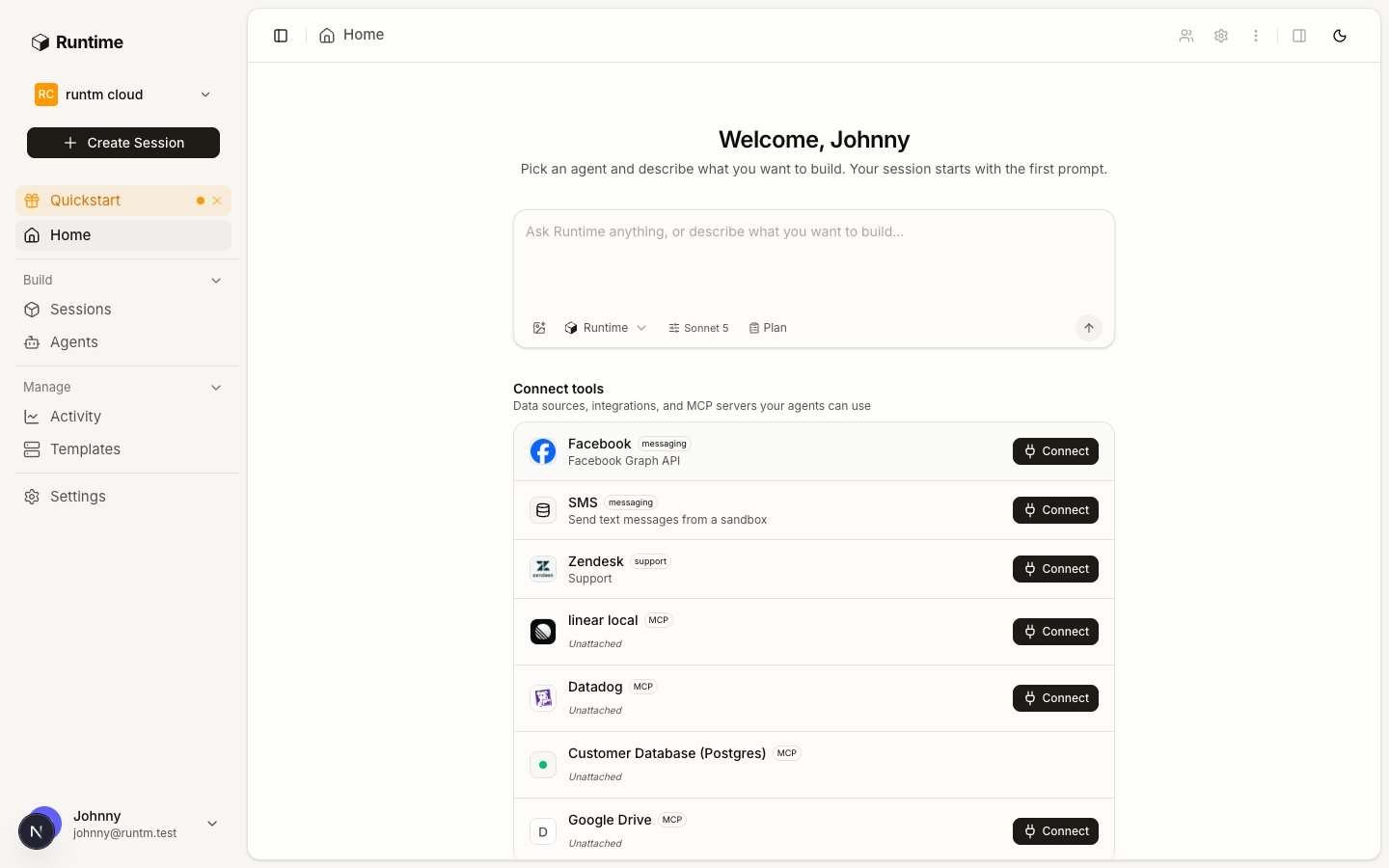 At every session start the platform composes one block and writes it to both `/home/user/.claude/CLAUDE.md` and `/home/user/.agents/AGENTS.md`, wrapped in `RUNTM:BEGIN` and `RUNTM:END` markers. Content outside the markers is preserved; the block inside is replaced each time. Layers are written top to bottom, so later layers can refine earlier ones.
| # | Layer | Source | Who edits it | Put here |
| - | ---------------------- | ------------------------------------------------ | --------------- | --------------------------------------------------------------------------------- |
| 1 | System | Built in | Nobody | How the sandbox works: approvals, preview URLs, the `runtm-api` CLI |
| 2 | Native image | Template `workdir` | Platform | Working directory notes when the template uses a custom image |
| 3 | Multi-repo workspace | Template repos | Platform | Where each repo is cloned when a template has more than one |
| 4 | Communication channels | Agent's triggers | Platform | The Slack, email or phone channels this agent owns, so it knows how to reply |
| 5 | Agent persona | Agent **System instructions** | Agent owner | Role, boundaries, tone, what it never does |
| 6 | Organization | **Settings > Context > Instructions > Team** | Org admin | Policies that apply to every agent: PII handling, escalation rules, tone of voice |
| 7 | Template | Template editor **Context** tab | Template admin | Facts about this environment: schemas, commands, service names |
| 8 | User | **Settings > Context > Instructions > Personal** | Each member | Personal preferences for every session they start |
| 9 | Session | Session **Instructions** panel | Whoever runs it | One-off rules for this session only |
Layers 2 to 4 are generated from the template and the agent's triggers; you shape them by configuring those, not by writing text. Layers 5 to 9 are free text. Agent system instructions are capped at 20000 characters; the template context block at 20000; user and org instructions have their own limits shown in the editor.
A trigger's own settings can also carry `system_instructions`. When an agent is linked, the agent row is the source of truth and saving the agent's instructions fans out to every linked trigger.
## Do it
Open **Agents**, pick the agent, and edit **System instructions** on the **Profile** tab. State the job, the boundaries and the output shape. Keep procedures out of here; those belong in a skill.
Go to **Settings > Context > Instructions**, switch to **Team**, and write the rules every agent must follow. Requires an org admin and an org-scoped key on the CLI.
Open the template, pick **Context**, and write the template block under **Instructions**. This is the only writable Context sub-tab on a template; skills, MCP, docs and knowledge are inherited from the org there.
Back in **Settings > Context > Instructions**, the **Personal** tab applies to every session you start, regardless of agent or template.
Inside a session, open the **Instructions** panel to add rules for that session only. They are gone when the session is destroyed.
## Verify
1. **Resolve the template.** `template context resolve` returns the org block followed by the template block, which is what layers 6 and 7 will contribute.
2. **Read the file.** In a running session, `cat ~/.claude/CLAUDE.md` shows the composed block between the markers, with the agent persona above the org section and the session override last.
3. **Check the fan-out.** After saving the agent's instructions, open a linked trigger's settings tab; its instructions match the agent's.
## Gotchas
* **Same rule in three layers.** It works, until someone edits one copy. Keep each rule in the layer that owns it and delete the duplicates.
* **Procedure in the persona.** Long step lists in system instructions get truncated in the harness's attention and drift from the skill. Persona says what the agent is and is not; the skill says how.
* **Template context on a template nobody uses.** The agent's `Default template` decides which template layer is loaded. Editing another template does nothing for this agent.
* **Personal key for org instructions.** `instructions set --org-scope` needs an org-scoped key and an admin role. With a personal key it writes your user instructions instead, and the CLI reports success.
* **Instructions written by hand into CLAUDE.md.** Anything you type inside the `RUNTM:BEGIN` and `RUNTM:END` markers in the sandbox is replaced at the next session start. Put it outside the markers or in the right layer.
* **Trigger instructions without an agent.** A Slack or Linear trigger created before the agent existed carries its own `system_instructions`. Once the agent is linked, edit the agent, not the trigger, or the next fan-out overwrites your change.
At every session start the platform composes one block and writes it to both `/home/user/.claude/CLAUDE.md` and `/home/user/.agents/AGENTS.md`, wrapped in `RUNTM:BEGIN` and `RUNTM:END` markers. Content outside the markers is preserved; the block inside is replaced each time. Layers are written top to bottom, so later layers can refine earlier ones.
| # | Layer | Source | Who edits it | Put here |
| - | ---------------------- | ------------------------------------------------ | --------------- | --------------------------------------------------------------------------------- |
| 1 | System | Built in | Nobody | How the sandbox works: approvals, preview URLs, the `runtm-api` CLI |
| 2 | Native image | Template `workdir` | Platform | Working directory notes when the template uses a custom image |
| 3 | Multi-repo workspace | Template repos | Platform | Where each repo is cloned when a template has more than one |
| 4 | Communication channels | Agent's triggers | Platform | The Slack, email or phone channels this agent owns, so it knows how to reply |
| 5 | Agent persona | Agent **System instructions** | Agent owner | Role, boundaries, tone, what it never does |
| 6 | Organization | **Settings > Context > Instructions > Team** | Org admin | Policies that apply to every agent: PII handling, escalation rules, tone of voice |
| 7 | Template | Template editor **Context** tab | Template admin | Facts about this environment: schemas, commands, service names |
| 8 | User | **Settings > Context > Instructions > Personal** | Each member | Personal preferences for every session they start |
| 9 | Session | Session **Instructions** panel | Whoever runs it | One-off rules for this session only |
Layers 2 to 4 are generated from the template and the agent's triggers; you shape them by configuring those, not by writing text. Layers 5 to 9 are free text. Agent system instructions are capped at 20000 characters; the template context block at 20000; user and org instructions have their own limits shown in the editor.
A trigger's own settings can also carry `system_instructions`. When an agent is linked, the agent row is the source of truth and saving the agent's instructions fans out to every linked trigger.
## Do it
Open **Agents**, pick the agent, and edit **System instructions** on the **Profile** tab. State the job, the boundaries and the output shape. Keep procedures out of here; those belong in a skill.
Go to **Settings > Context > Instructions**, switch to **Team**, and write the rules every agent must follow. Requires an org admin and an org-scoped key on the CLI.
Open the template, pick **Context**, and write the template block under **Instructions**. This is the only writable Context sub-tab on a template; skills, MCP, docs and knowledge are inherited from the org there.
Back in **Settings > Context > Instructions**, the **Personal** tab applies to every session you start, regardless of agent or template.
Inside a session, open the **Instructions** panel to add rules for that session only. They are gone when the session is destroyed.
## Verify
1. **Resolve the template.** `template context resolve` returns the org block followed by the template block, which is what layers 6 and 7 will contribute.
2. **Read the file.** In a running session, `cat ~/.claude/CLAUDE.md` shows the composed block between the markers, with the agent persona above the org section and the session override last.
3. **Check the fan-out.** After saving the agent's instructions, open a linked trigger's settings tab; its instructions match the agent's.
## Gotchas
* **Same rule in three layers.** It works, until someone edits one copy. Keep each rule in the layer that owns it and delete the duplicates.
* **Procedure in the persona.** Long step lists in system instructions get truncated in the harness's attention and drift from the skill. Persona says what the agent is and is not; the skill says how.
* **Template context on a template nobody uses.** The agent's `Default template` decides which template layer is loaded. Editing another template does nothing for this agent.
* **Personal key for org instructions.** `instructions set --org-scope` needs an org-scoped key and an admin role. With a personal key it writes your user instructions instead, and the CLI reports success.
* **Instructions written by hand into CLAUDE.md.** Anything you type inside the `RUNTM:BEGIN` and `RUNTM:END` markers in the sandbox is replaced at the next session start. Put it outside the markers or in the right layer.
* **Trigger instructions without an agent.** A Slack or Linear trigger created before the agent existed carries its own `system_instructions`. Once the agent is linked, edit the agent, not the trigger, or the next fan-out overwrites your change.