> ## Documentation Index
> Fetch the complete documentation index at: https://docs.runtm.com/llms.txt
> Use this file to discover all available pages before exploring further.
# Skills and runbooks
> Write the runbook an agent follows as a skill (SKILL.md plus reference files), require the tools it needs, attach it to a template and rebuild. Read before `runtm-api skills create`, `skills import` or `skills attach`.
## Outcome
Your agent follows a written procedure instead of improvising one, the procedure lives in one place your team can edit, and every session launched from the template loads it. You can import an existing skill from a git repository and keep it in sync.
## Decide
A skill is the runbook. The harness reads the skill's description to decide when to use it, then follows the body. Answer these before writing one.
**What does an experienced operator do, step by step?**
* Bad: "Investigate the payment and explain what happened."
* Good: "1. Pull the charge and every related payment intent from Stripe. 2. Look up the account's limits in the `account_policy` view. 3. Match the processor decline code against the table in `references/decline-codes.md`. 4. Separate what the processor said from what our own policy did. 5. Write the draft in the template in `references/reply-template.md`."
**When should the harness reach for this skill?**
* Bad: "Payment stuff."
* Good: "Use whenever a request mentions a declined card, a duplicate charge, a missing refund, a transaction reference like `TX-` or `ch_`, or a customer asking why a payment failed."
**Which tools does it need?**
* Bad: leave `requires` empty and hope the org connections are there.
* Good: `requires.integrations: [stripe, postgres, zendesk]` so the connections are materialized and any missing one is reported.
## What a skill is
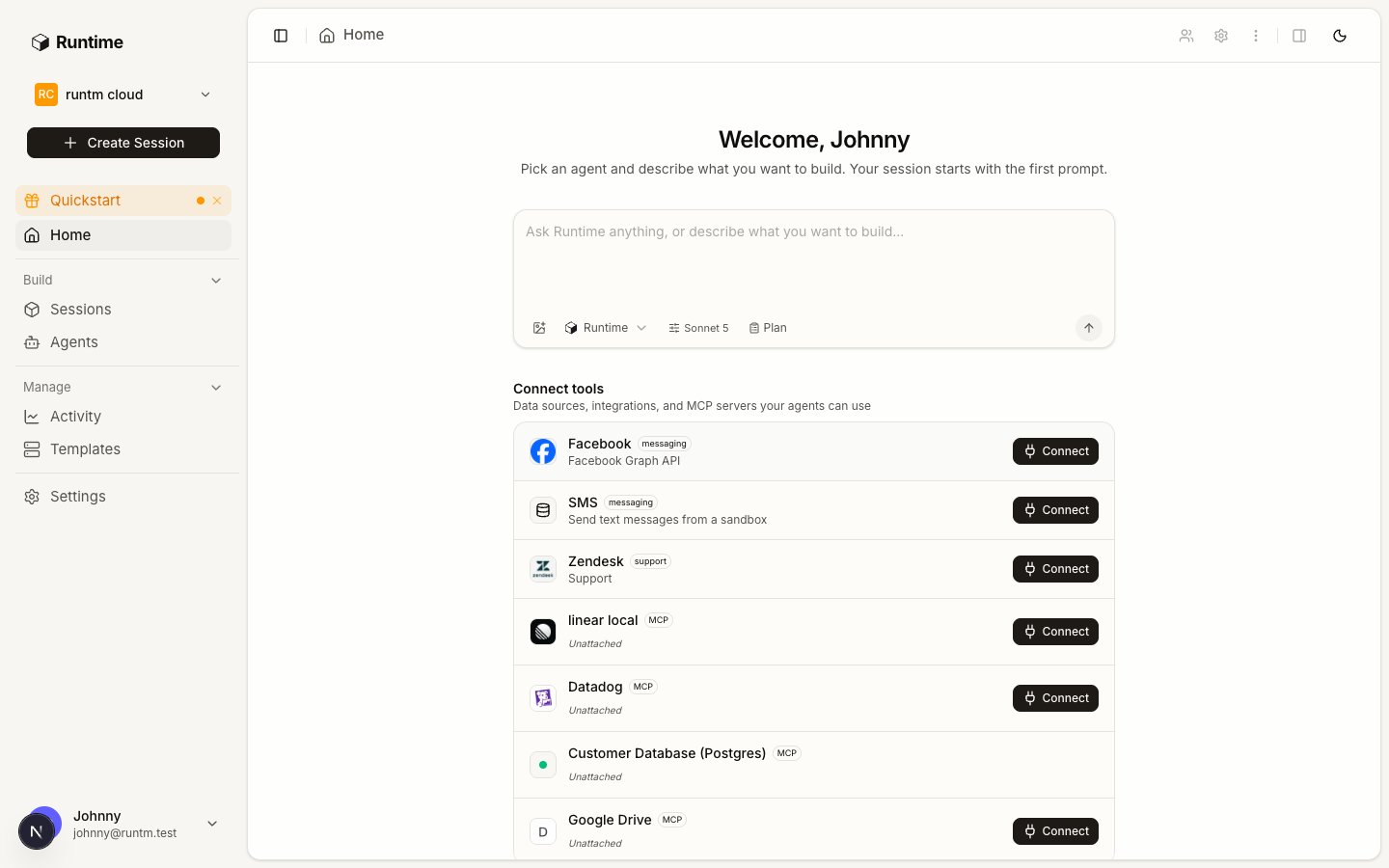 A skill is a directory with an entry file, `SKILL.md`, plus any sibling files: a `references/` folder for tables and templates, a `scripts/` folder for helpers, subfolders with their own `SKILL.md` for sub-skills. It is stored as a `skill_v0` item with the entry name, the file list and an optional `requires` block. Files up to 64 KiB are stored inline; larger ones go to object storage and are fetched by the sandbox.
The frontmatter is the authoring contract:
```markdown theme={null}
---
name: payment-investigation
description: Reconstruct a payment timeline and draft an evidence-backed reply. Use whenever a request mentions a declined card, a duplicate charge, a missing refund, or a Stripe or ticket reference.
---
```
* `name` is lowercase, hyphen separated, matching `^[a-z0-9][a-z0-9-]*$`. It becomes the directory name in the sandbox.
* `description` is the only text the harness sees when deciding whether to use the skill. State what it does and when to use it, naming the phrases a person would actually type. Harnesses under-trigger skills, so be specific and a little pushy.
There is exactly one live copy of a skill. There is no draft, publish or version history: editing a skill changes what the next build materializes. To freeze a skill so nobody edits it by accident, lock it. A locked skill still builds and still loads; unlocking is available to any org admin.
Skills attach to one or more templates, to a repository, or to every repo in the org. A session launched from a template loads every skill attached to that template, to any repo in the template, or org-wide.
## Do it
### Write a skill from the dashboard
Go to **Settings > Context > Skills** and click **New skill**. You can write the `SKILL.md` inline, scan a GitHub repo for existing skills, or open a session in which the harness drafts the skill with you and you publish it from the session.
Add the files the runbook cites. Keep long tables and templates out of `SKILL.md` and in `references/` so the entry stays short enough to read every time.
Set `requires.integrations` to the provider slugs the runbook uses. The platform materializes those connections for any template the skill is attached to and reports unmet ones in the session manifest.
Attach the skill to the agent's template. Use a repo attachment when the skill is about one codebase, or **All** when every agent in the org should have it.
Attachments reach sessions only through a build.
### Import from a git repository
Point the importer at a GitHub repository. It walks the tree once and lists every `SKILL.md` under a `.claude/skills/` or `.cursor/skills/` folder, marking ones already imported.
Import all of them or only chosen paths, and attach them in the same call. Sibling files up to 512 KiB are bundled; the total is capped at 5 MiB.
Resync re-reads the source and rebuilds only when content changed. The skill remembers the commit it was imported from.
### Load into a running session
For a quick test without a rebuild, hot-load a skill into a live session. It is written into the session's skills directory immediately and does not change the template.
### Lock a finished skill
## Example: a payments runbook
`SKILL.md`
```markdown theme={null}
---
name: payment-investigation
description: Reconstruct a payment timeline and draft an evidence-backed customer reply. Use whenever a request mentions a declined card, a duplicate charge, a missing or delayed refund, a chargeback, or a reference like TX-, ch_, pi_ or a ticket number.
---
# Payment investigation
You investigate. You do not refund, capture, or change an account. Draft replies; a human sends them.
## Steps
1. Identify the customer from the ticket or message. Confirm the account id before any lookup. Never search by name alone.
2. Pull the charge, its payment intent and every related charge in the last 30 days:
`stripe charges list --customer --limit 50`
3. Read the account's limits and status from the `account_policy` view:
`psql "$POSTGRES_CONNECTION_STRING" -c "select * from account_policy where account_id = ''"`
4. Map the decline code with `references/decline-codes.md`. Separate the processor's stated reason from our own policy outcome.
5. Write the reply using `references/reply-template.md`. Cite each fact with its source (Stripe object id, view name).
6. Request approval before posting the draft to the ticket:
`runtm-approval request --kind customer_reply --message "" --required-role admin --wait`
## Done when
- Timeline lists every charge and refund with timestamps and ids
- Processor reason and policy outcome are stated separately
- Draft reply is in the template and every claim has a source
```
`references/decline-codes.md`
```markdown theme={null}
| Code | Processor meaning | What we tell the customer |
|---|---|---|
| insufficient_funds | Issuer reported insufficient funds | Ask them to try another card or contact their bank |
| do_not_honor | Issuer declined without a reason | Ask them to contact their bank; we cannot see why |
| card_velocity_exceeded | Issuer velocity limit | Suggest waiting 24 hours or another card |
| policy_daily_limit | Our account_policy daily cap | Explain the cap and the reset time |
```
With `requires.integrations: ["stripe", "postgres", "zendesk"]`, the sandbox gets `STRIPE_SECRET_KEY`, `POSTGRES_CONNECTION_STRING` and the Zendesk variables, and reports if any of them is not connected.
## Verify
1. **The skill exists once.** `Skills` shows one row with the right name and description.
2. **It is attached.** The skill's attachments list the agent's template, and `template get` shows it under `skills`.
3. **The build includes it.** Build status is `ready` and the template is not flagged as changed since build.
4. **A session has the files.** In a session from the template, `ls ~/.claude/skills//` shows `SKILL.md` and the reference files.
5. **It triggers.** Send a prompt using one of the phrases from the description and check that the harness reads the skill before acting.
## Gotchas
* **Created but never attached.** The most common failure. `template get` shows `skills: []`. Attach and rebuild.
* **Attached after the build.** `attachments_changed_since_build: true`. Rebuild.
* **Vague description.** The harness never picks the skill because the description does not match how people phrase requests. Rewrite it with concrete trigger phrases.
* **Missing frontmatter.** A markdown file without the `---` block imports but never triggers as a skill.
* **Unmet requirement.** `requires.integrations` names a provider that is not connected. The session boots and the manifest lists the unmet requirement; the runbook fails at the first vendor call. Connect the provider.
* **Editing a locked skill.** Updates return an error until an admin unlocks it. Locking is for freezing, not a review step.
* **Import path filter.** Discovery matches only `SKILL.md` files under `.claude/skills/` or `.cursor/skills/`. A `SKILL.md` at the repo root is not found; import it with `--source github_url` and the file URL.
A skill is a directory with an entry file, `SKILL.md`, plus any sibling files: a `references/` folder for tables and templates, a `scripts/` folder for helpers, subfolders with their own `SKILL.md` for sub-skills. It is stored as a `skill_v0` item with the entry name, the file list and an optional `requires` block. Files up to 64 KiB are stored inline; larger ones go to object storage and are fetched by the sandbox.
The frontmatter is the authoring contract:
```markdown theme={null}
---
name: payment-investigation
description: Reconstruct a payment timeline and draft an evidence-backed reply. Use whenever a request mentions a declined card, a duplicate charge, a missing refund, or a Stripe or ticket reference.
---
```
* `name` is lowercase, hyphen separated, matching `^[a-z0-9][a-z0-9-]*$`. It becomes the directory name in the sandbox.
* `description` is the only text the harness sees when deciding whether to use the skill. State what it does and when to use it, naming the phrases a person would actually type. Harnesses under-trigger skills, so be specific and a little pushy.
There is exactly one live copy of a skill. There is no draft, publish or version history: editing a skill changes what the next build materializes. To freeze a skill so nobody edits it by accident, lock it. A locked skill still builds and still loads; unlocking is available to any org admin.
Skills attach to one or more templates, to a repository, or to every repo in the org. A session launched from a template loads every skill attached to that template, to any repo in the template, or org-wide.
## Do it
### Write a skill from the dashboard
Go to **Settings > Context > Skills** and click **New skill**. You can write the `SKILL.md` inline, scan a GitHub repo for existing skills, or open a session in which the harness drafts the skill with you and you publish it from the session.
Add the files the runbook cites. Keep long tables and templates out of `SKILL.md` and in `references/` so the entry stays short enough to read every time.
Set `requires.integrations` to the provider slugs the runbook uses. The platform materializes those connections for any template the skill is attached to and reports unmet ones in the session manifest.
Attach the skill to the agent's template. Use a repo attachment when the skill is about one codebase, or **All** when every agent in the org should have it.
Attachments reach sessions only through a build.
### Import from a git repository
Point the importer at a GitHub repository. It walks the tree once and lists every `SKILL.md` under a `.claude/skills/` or `.cursor/skills/` folder, marking ones already imported.
Import all of them or only chosen paths, and attach them in the same call. Sibling files up to 512 KiB are bundled; the total is capped at 5 MiB.
Resync re-reads the source and rebuilds only when content changed. The skill remembers the commit it was imported from.
### Load into a running session
For a quick test without a rebuild, hot-load a skill into a live session. It is written into the session's skills directory immediately and does not change the template.
### Lock a finished skill
## Example: a payments runbook
`SKILL.md`
```markdown theme={null}
---
name: payment-investigation
description: Reconstruct a payment timeline and draft an evidence-backed customer reply. Use whenever a request mentions a declined card, a duplicate charge, a missing or delayed refund, a chargeback, or a reference like TX-, ch_, pi_ or a ticket number.
---
# Payment investigation
You investigate. You do not refund, capture, or change an account. Draft replies; a human sends them.
## Steps
1. Identify the customer from the ticket or message. Confirm the account id before any lookup. Never search by name alone.
2. Pull the charge, its payment intent and every related charge in the last 30 days:
`stripe charges list --customer --limit 50`
3. Read the account's limits and status from the `account_policy` view:
`psql "$POSTGRES_CONNECTION_STRING" -c "select * from account_policy where account_id = ''"`
4. Map the decline code with `references/decline-codes.md`. Separate the processor's stated reason from our own policy outcome.
5. Write the reply using `references/reply-template.md`. Cite each fact with its source (Stripe object id, view name).
6. Request approval before posting the draft to the ticket:
`runtm-approval request --kind customer_reply --message "" --required-role admin --wait`
## Done when
- Timeline lists every charge and refund with timestamps and ids
- Processor reason and policy outcome are stated separately
- Draft reply is in the template and every claim has a source
```
`references/decline-codes.md`
```markdown theme={null}
| Code | Processor meaning | What we tell the customer |
|---|---|---|
| insufficient_funds | Issuer reported insufficient funds | Ask them to try another card or contact their bank |
| do_not_honor | Issuer declined without a reason | Ask them to contact their bank; we cannot see why |
| card_velocity_exceeded | Issuer velocity limit | Suggest waiting 24 hours or another card |
| policy_daily_limit | Our account_policy daily cap | Explain the cap and the reset time |
```
With `requires.integrations: ["stripe", "postgres", "zendesk"]`, the sandbox gets `STRIPE_SECRET_KEY`, `POSTGRES_CONNECTION_STRING` and the Zendesk variables, and reports if any of them is not connected.
## Verify
1. **The skill exists once.** `Skills` shows one row with the right name and description.
2. **It is attached.** The skill's attachments list the agent's template, and `template get` shows it under `skills`.
3. **The build includes it.** Build status is `ready` and the template is not flagged as changed since build.
4. **A session has the files.** In a session from the template, `ls ~/.claude/skills//` shows `SKILL.md` and the reference files.
5. **It triggers.** Send a prompt using one of the phrases from the description and check that the harness reads the skill before acting.
## Gotchas
* **Created but never attached.** The most common failure. `template get` shows `skills: []`. Attach and rebuild.
* **Attached after the build.** `attachments_changed_since_build: true`. Rebuild.
* **Vague description.** The harness never picks the skill because the description does not match how people phrase requests. Rewrite it with concrete trigger phrases.
* **Missing frontmatter.** A markdown file without the `---` block imports but never triggers as a skill.
* **Unmet requirement.** `requires.integrations` names a provider that is not connected. The session boots and the manifest lists the unmet requirement; the runbook fails at the first vendor call. Connect the provider.
* **Editing a locked skill.** Updates return an error until an admin unlocks it. Locking is for freezing, not a review step.
* **Import path filter.** Discovery matches only `SKILL.md` files under `.claude/skills/` or `.cursor/skills/`. A `SKILL.md` at the repo root is not found; import it with `--source github_url` and the file URL.